Sign in with Facebook
-
Create a new Facebook App here
-
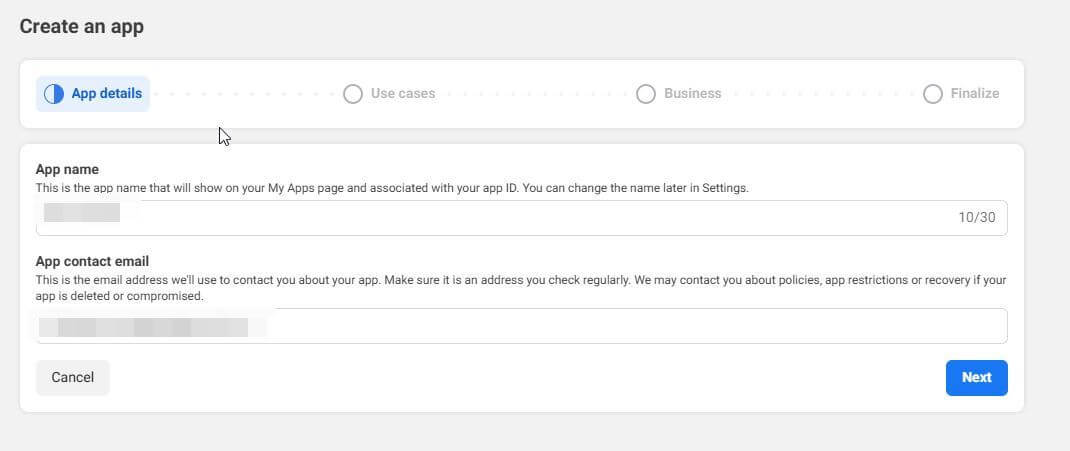
Fill in the app details.
-
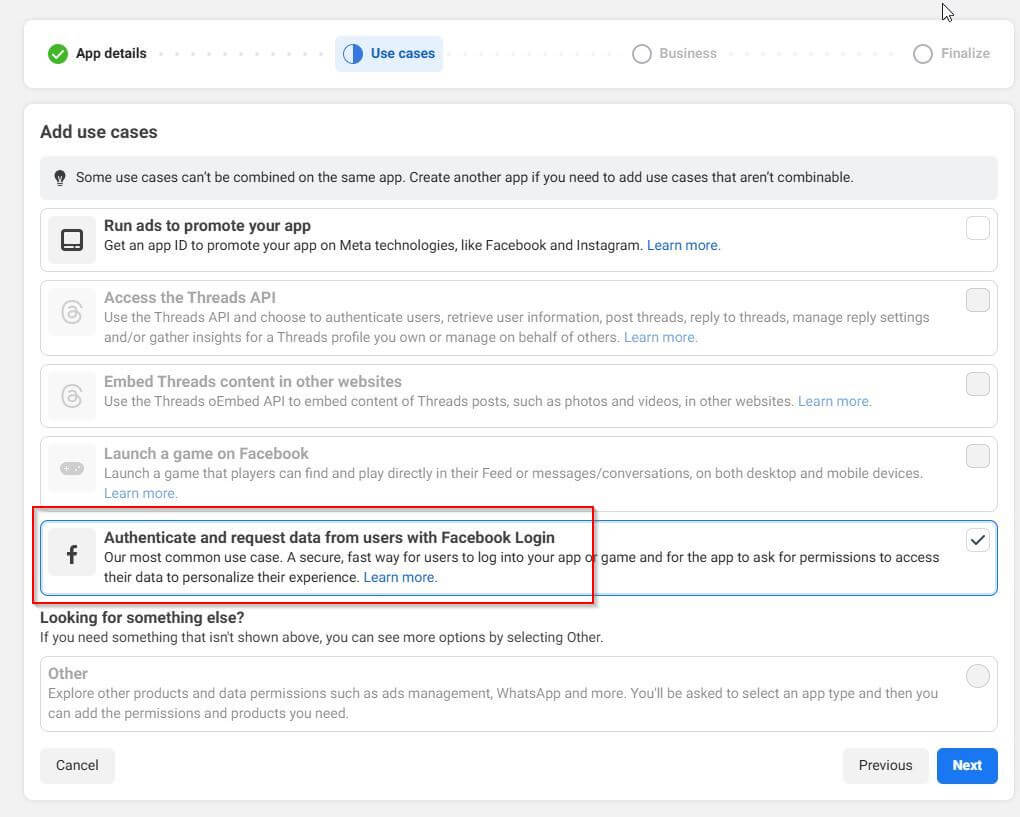
Select "Authenticate and request data from users with Facebook Login".
-
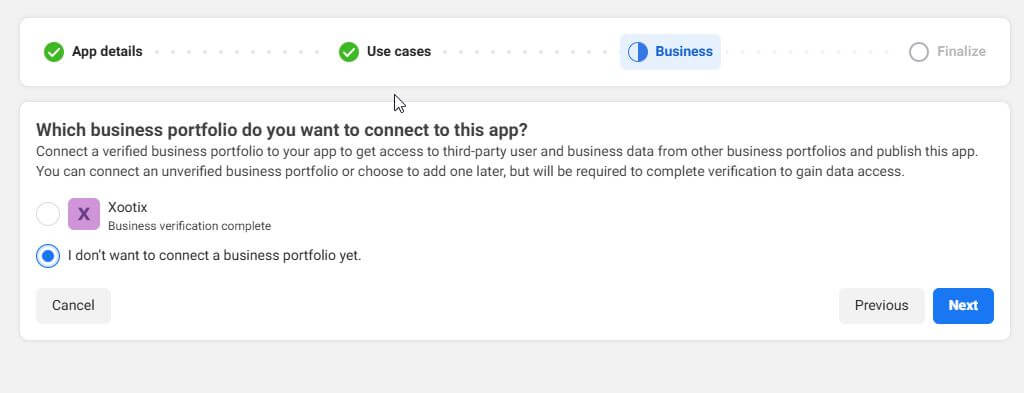
If you have a verified business, select that or choose "I don’t want to connect a business portfolio yet".
-
Finalize and go to dashboard.
-
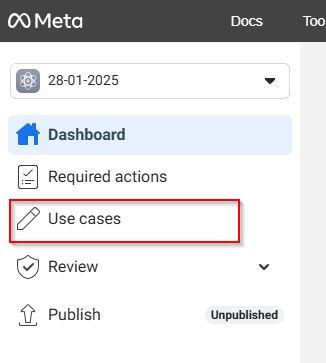
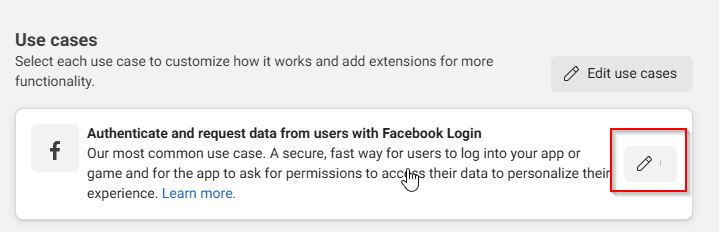
From left panel -> click on "Use cases" -> click on "customize" under "Authentication and account creation".
-
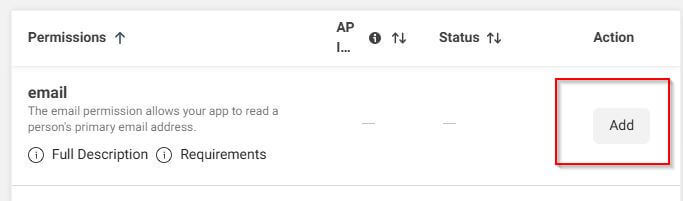
Under permissions -> email -> click on "add"
-
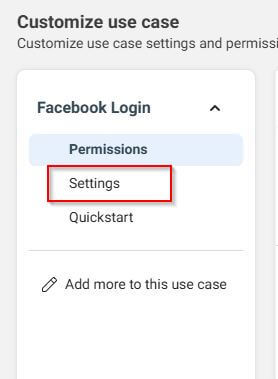
Navigate to settings.
-
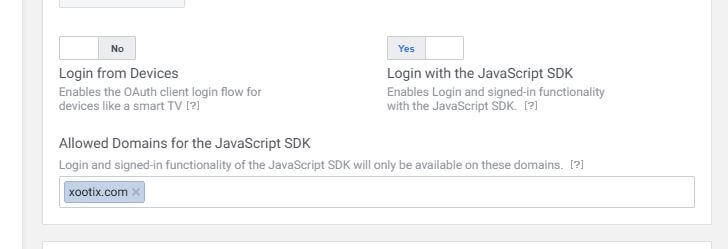
Enable "Login with the JavaScript SDK" option and add your domain name under "Allowed Domains for the JavaScript SDK". Click on save changes.
-
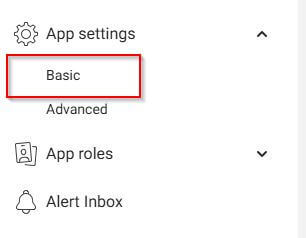
Now from app's home screen -> left panel, go to settings -> basic.
-
Add your website domain under APP Domains, set privacy URL, terms of service URL and add data deletion URL. click on save.
-
Save the Changes.
-
Now from app's home screen -> left panel, go to settings -> basic.
-
Copy your APP ID and APP secret
-
Go to your wordpress dashboard -> Social Login -> Facebook & Paste there
-
You can now login users with facebook, however you will receive a message from facebook to review your app. You will need to submit your app for verification.